 Readnslate
Free
Everything you need to read and learn
- Unlimited word and passage translation
- English definitions and pronunciation
- Saved Words and Anki export
- Backup and all reading modes
- No ads, no account
Readnslate is an Android reader for your own DRM-free EPUB and text-based PDF books. Tap a word for a translation and an English definition, translate a sentence or a selected passage, save the words worth keeping, and keep reading.
Coming to Google Play
Android 11 or later · No ads, no account · Your books and reading data stay on your device
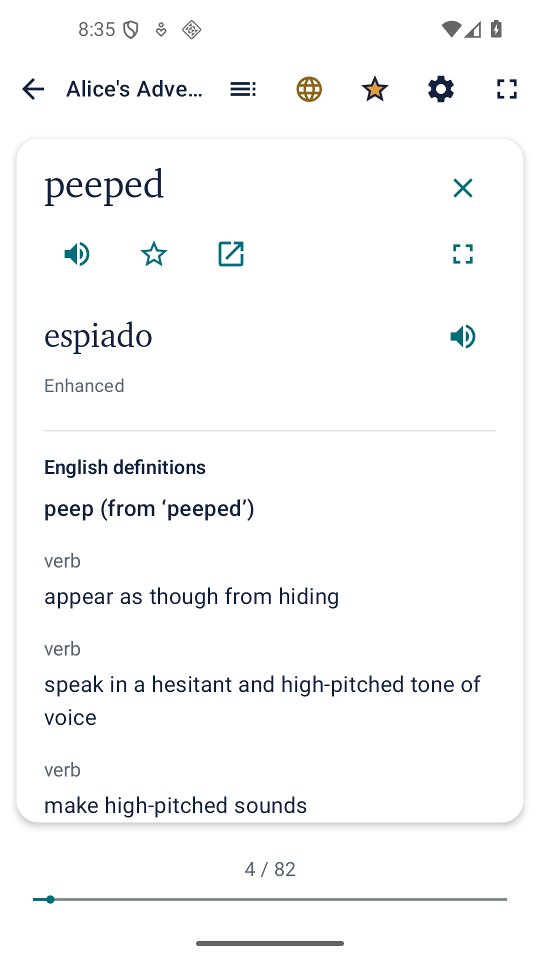
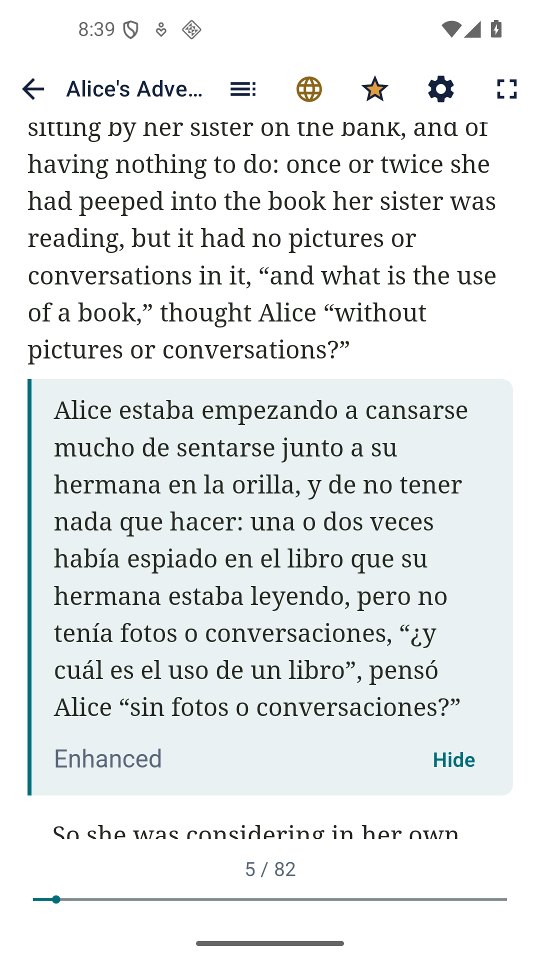
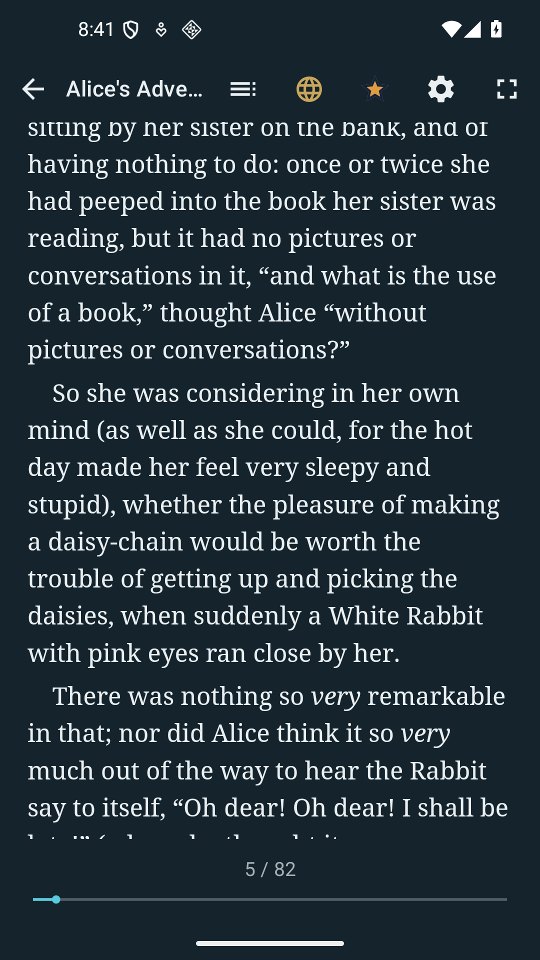
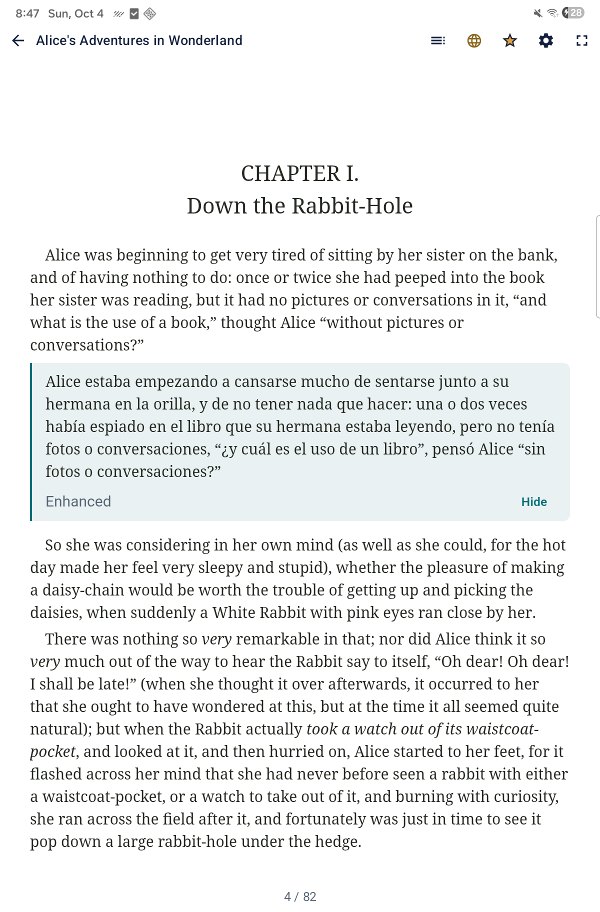
Real screenshots of Readnslate 1.0.0 reading a public-domain book (Lewis Carroll, Alice's Adventures in Wonderland, Project Gutenberg) with English → Spanish translation. The lookup card and the paragraph translation shown here use Enhanced translation, a Readnslate Plus feature; Free shows the same card with Standard translation.
Everything you need to read and learn
Everything in Free, plus
One-time purchase, no subscription. Google Play shows the price in your currency. A 7-day free trial of everything in Plus starts only when you tap Try Plus free for 7 days in the app, never on its own; when it ends, Plus features lock unless you buy Plus.
Enhanced packs cover English to and from Spanish, German, French, Italian, Portuguese, Polish, Dutch and Finnish, and English to Turkish. Standard translation covers the languages Google ML Kit offers for download. Enhanced translation needs a 64-bit ARM device; where a device can't run it, the app says so and does not offer Plus.
Readnslate reads DRM-free EPUB files and text-based PDF files you already have. Add books opens Android's file picker in your Downloads folder, filtered to EPUB and PDF, with several files selectable at once. A book downloaded in your browser can also be opened with Readnslate or shared to it. Each book is copied into the app's private storage; your original file stays where it was.
Looking for something to read? The app's Find free books list links to public-domain libraries such as Project Gutenberg, Standard Ebooks and Wikisource in several languages. Public-domain status can differ between countries.
A scanned PDF made only of page images has no text to tap; Readnslate does not do OCR. Password-protected and DRM-protected files are refused with an explanation, not opened.
There is no Readnslate account, no cloud sync, no advertising and no Readnslate server. Your books, reading positions, lookups, Saved Words and settings stay on your device, and the app has no storage permission: it never scans your files. Readnslate itself runs no analytics and no crash reporting.
Some things do use the internet: downloading Standard languages and Enhanced packs, Google Play purchases and the check that Plus is still yours, Google ML Kit's own technical telemetry, and links you choose to open. The privacy policy lists each of them plainly.
Enhanced translation uses Mozilla's Bergamot runtime and translation models under the Mozilla Public License 2.0; the Source page carries the source-code offer. English definitions come from Princeton WordNet. The EPUB engine is Readium, and PDF rendering is a Readnslate rebuild of the AndroidX PDF viewer. Every notice is in the app under Help & About › Licenses and on the Licences page.